Peon-Ping: sound alerts for Claude Code
Warcraft voice packs that ping you when an AI agent needs attention or finishes, so you stop babysitting the terminal.
I have Claude Code sessions running across 4 projects and no idea which one just finished.
Claude Code's VS Code extension (v2.1.70) just added a sidebar that shows all your sessions continuously (no more searching in the topbar) with status indicators. Blue dot means it needs permission, orange means it finished while you weren't looking. You can open agents in separate tabs now. Getting very close to Cursor.
The visual cues are nice but easy to miss. So I stumbled upon Peon-Ping. It plays sound effects when your AI agent needs attention. Warcraft III peons, StarCraft battlecruisers, GLaDOS, Duke Nukem, and 160+ other voice packs. A grunt when it starts, a confirmation when it's done. When something breaks, you hear it.
I assigned different voice packs to different tasks and projects. Features get one voice, research tasks get another. When I hear "Job's done!" I know exactly what finished without looking. When a peon death scream plays, I know where things went wrong.
I love the nostalgia. Those Warcraft 3 voices while coding late at night brought back a game I played 20 years ago.
Fair warning: Orc noises during a Google Meet take some explaining. I told a few people at the office about it and now I hear peon grunts coming from a hacker sitting next to me.
Bonus Tip: I fired off an Opus prompt to make the desktop notifications more macOS-native. The defaults are hideous, but one AI-assisted tweak and they blend right in. Still need to open a PR for that.
3,600 GitHub stars and it's free. Give it a try and command your orcs and peasants, link in the comments.
How do you keep track of your AI agents?
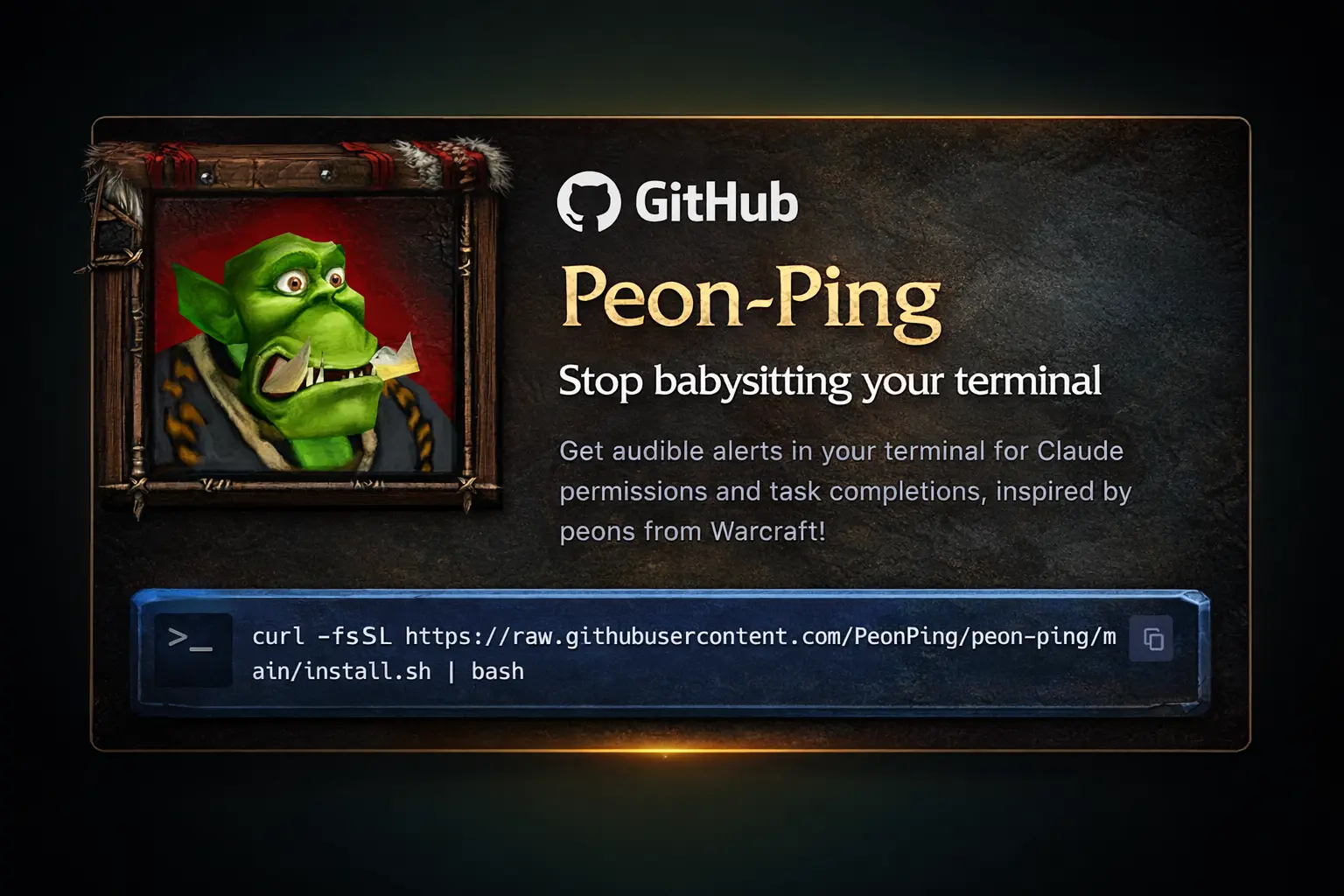
peon-ping - Stop babysitting your terminal
peonping.com